VOXELANARCHY

News

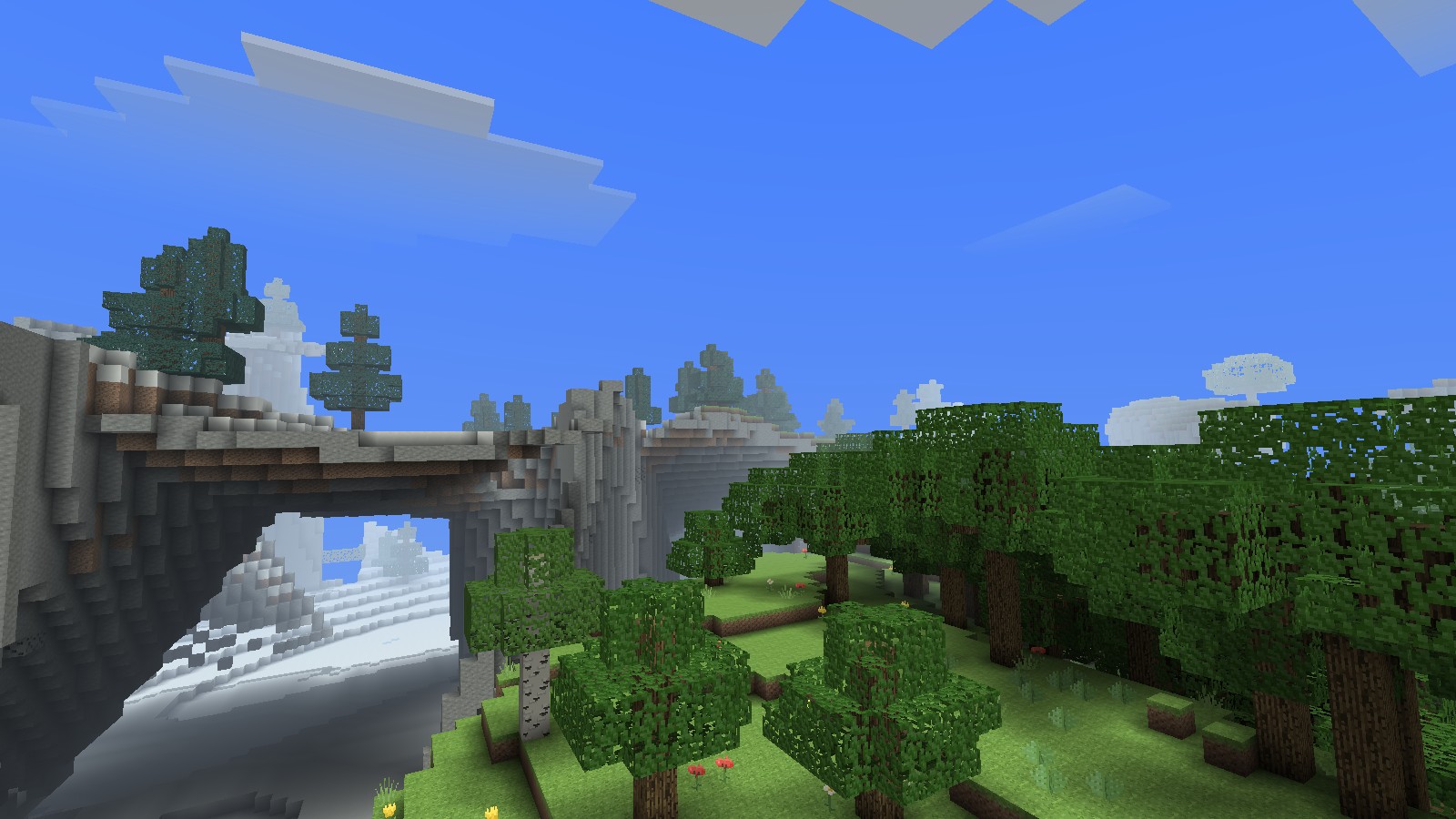
Forested hills and stone cliffs in Anarchy's Overworld

News & Updates

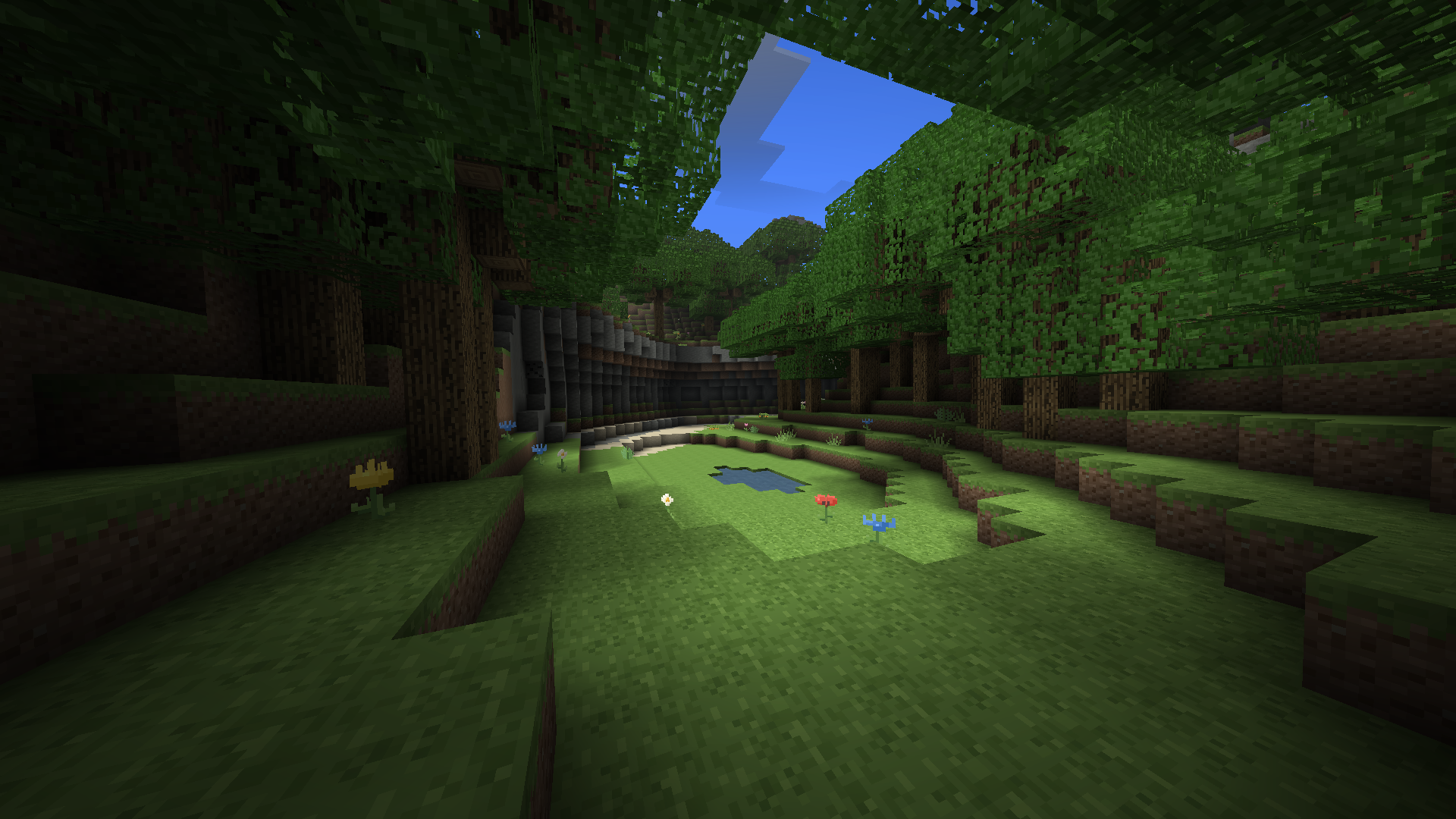
A grassy clearing in the Overworld

Movement & inventory fixes

Smoother movement. Reliable crafting, placement, and inventory syncing.

Release notes
  • Fixed incorrect crouching checks and movement corrections that could leave a player stuck.
  • Crafting and item actions are processed in order, so an older inventory state cannot overwrite a newer one.
  • Rejected placements recover the actual block and item state instead of leaving ghost blocks behind.

The world and existing inventories were preserved. Refresh the game before rejoining to load this update.
Alpha 0.1.60

Meet the Ravel capes

Seamwalker, Amberheart, Skywater, and Ghostlight.

View the capes
Shop preview

The world

The Overworld

100,000 × 100,000blocks

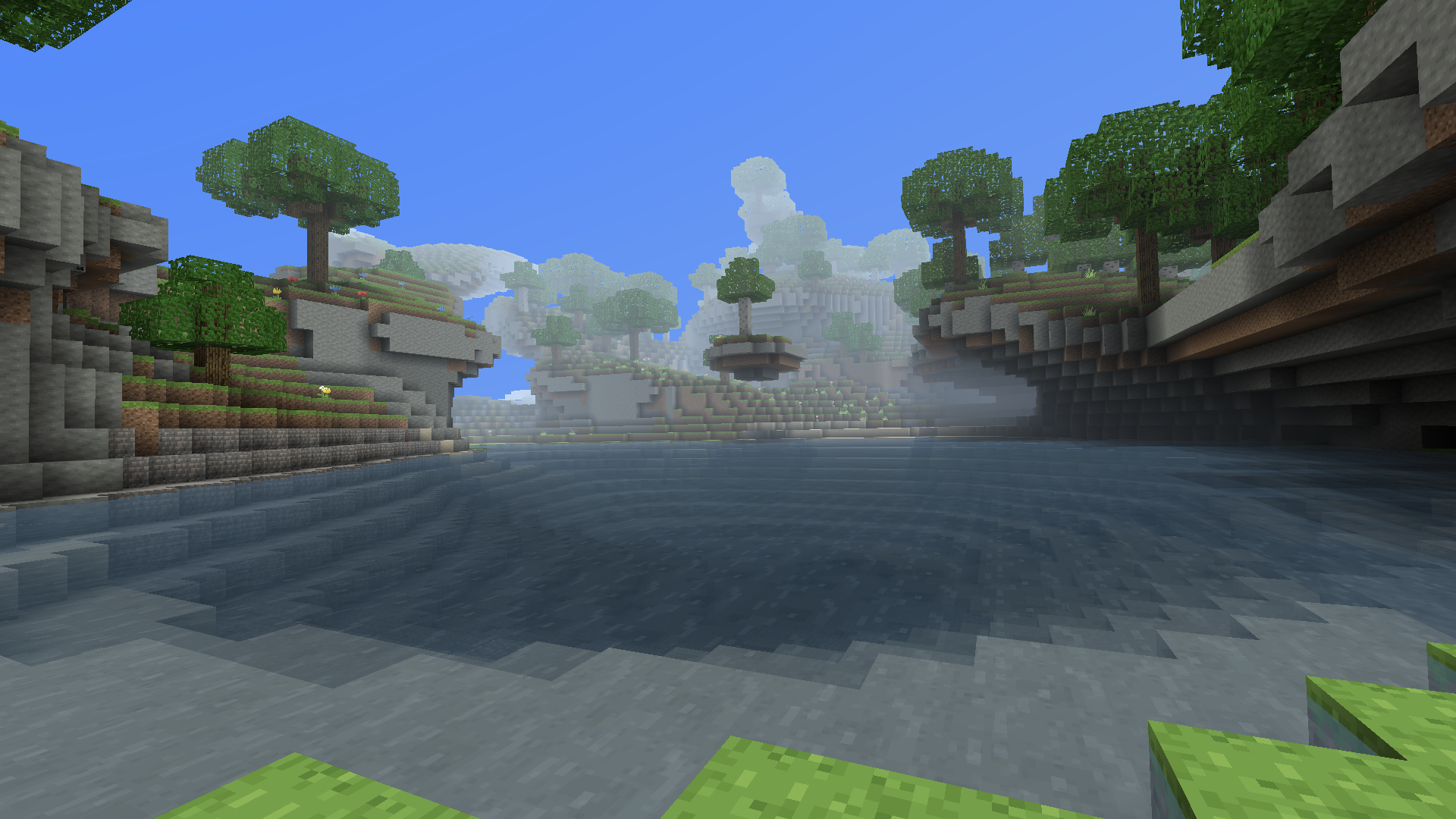
A lake below forested stone cliffs and overhangs in daylight
Cliffs & overhangs

The Ravel

Travel dimension
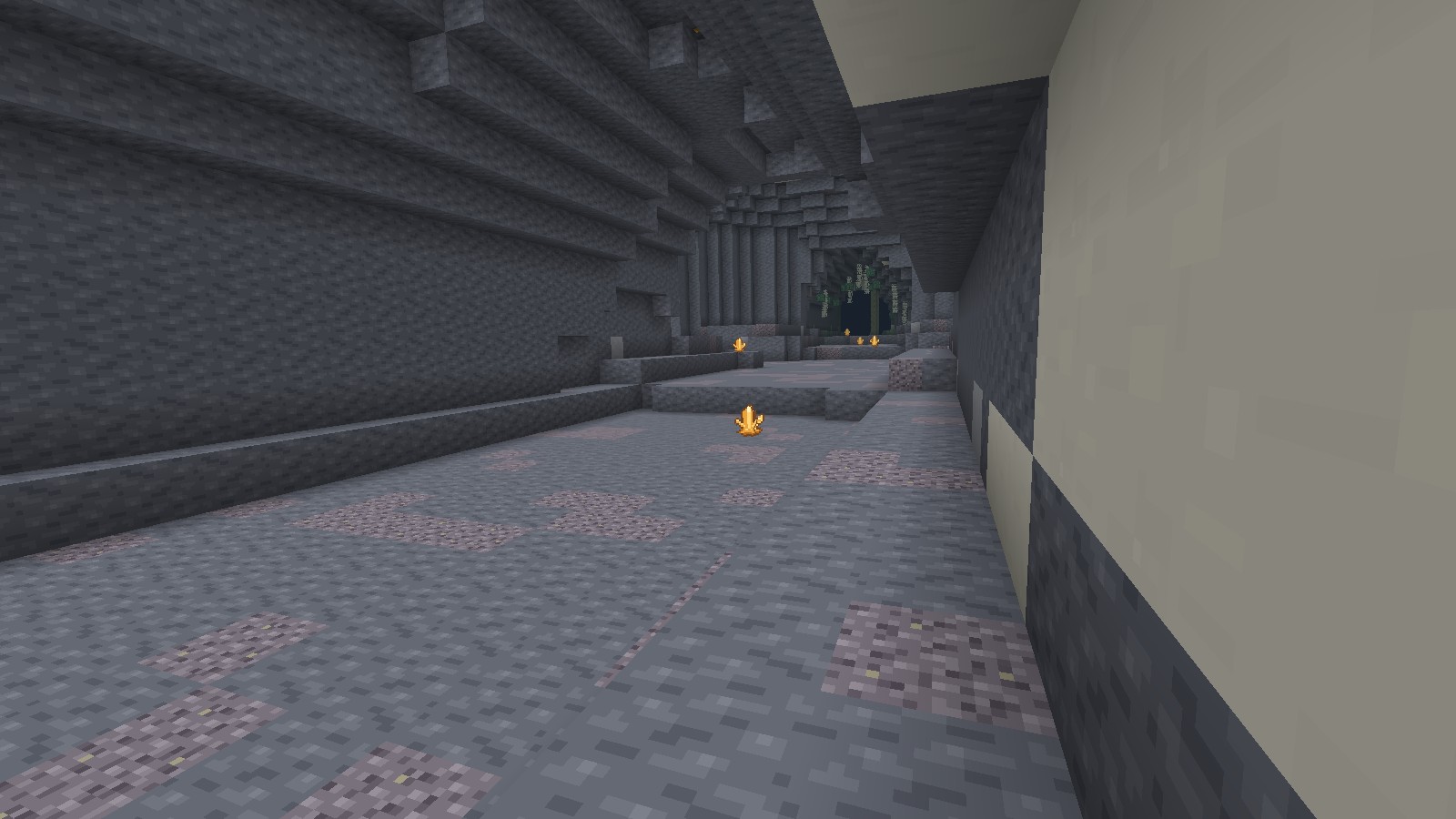
Amber clusters light an enclosed stone passage beneath hanging pale roots in the Ravel
Root chambers & amber
Amber clusters
Echo Stone
Skywater
How to reach the Ravel

Build a horizontal 5 × 5 rim from sixteen Seamstone blocks, leaving the 3 × 3 center empty. Hold a World Needle and right-click the rim to open a Seamwell, then step into its center.

To return, enter a natural Skywater pool. Your horizontal coordinates are multiplied by eight, and you emerge at a safe surface landing. Your inventory travels with you.

Help.

Game & performance

The game won’t load
  1. Restart the app after an update.
  2. If the screen stays blank, update your graphics driver.
  3. Contact support with your operating system and app version if the problem continues.
Movement feels slow or choppy

Open Options and lower Render Distance. Close other demanding applications.

Give new terrain a moment to load when you first join or enter an unexplored area.

Blocks or inventory keep reverting

Restart the app and rejoin to load the latest update. If your connection drops, wait until you’re connected again before crafting or placing items.

If it keeps happening, keep the exact steps, app version and approximate time. These help trace the problem.

How do I get my mouse cursor back?

Press Esc to open the menu and release your mouse. Choose Back to Game to resume.

Getting started

What can I play?

The native app can join the shared anarchy survival server or create your own singleplayer survival and creative worlds.

Download App
What do I need to play?

A computer, keyboard, and mouse. The native app requires a compatible GPU; touch controls aren’t available.

App requirements
Is this a Minecraft server?

Voxel Anarchy is a separate game with its own world and mechanics. Download the native app and choose Join Anarchy to enter. There’s no address to add to Minecraft’s server list.

Account & progress

What happens when I leave?

Your position and inventory are saved to your account. Shared builds and storage stay on the server.

Sign into the same account when you return.

Can I delete my account?

Sign in and choose Delete Account on the title screen. This permanently removes your account and saved inventory. Edits to the shared world remain.

Read the privacy notice

All yours.

Creative or singleplayer, you choose. With better performance

Get the desktop app.

Windows 10 / 11 · x64 · .exe installer

Download for Windows Need help?

System requirements

Minimum and recommended hardware
HardwareMinimumRecommended
CPU4 cores6 cores
Memory8 GB RAM16 GB RAM
GraphicsIntegrated GPUDedicated · 2 GB VRAM
Storage2 GB free5 GB free · SSD

World saves need additional space. Keyboard and mouse required.